
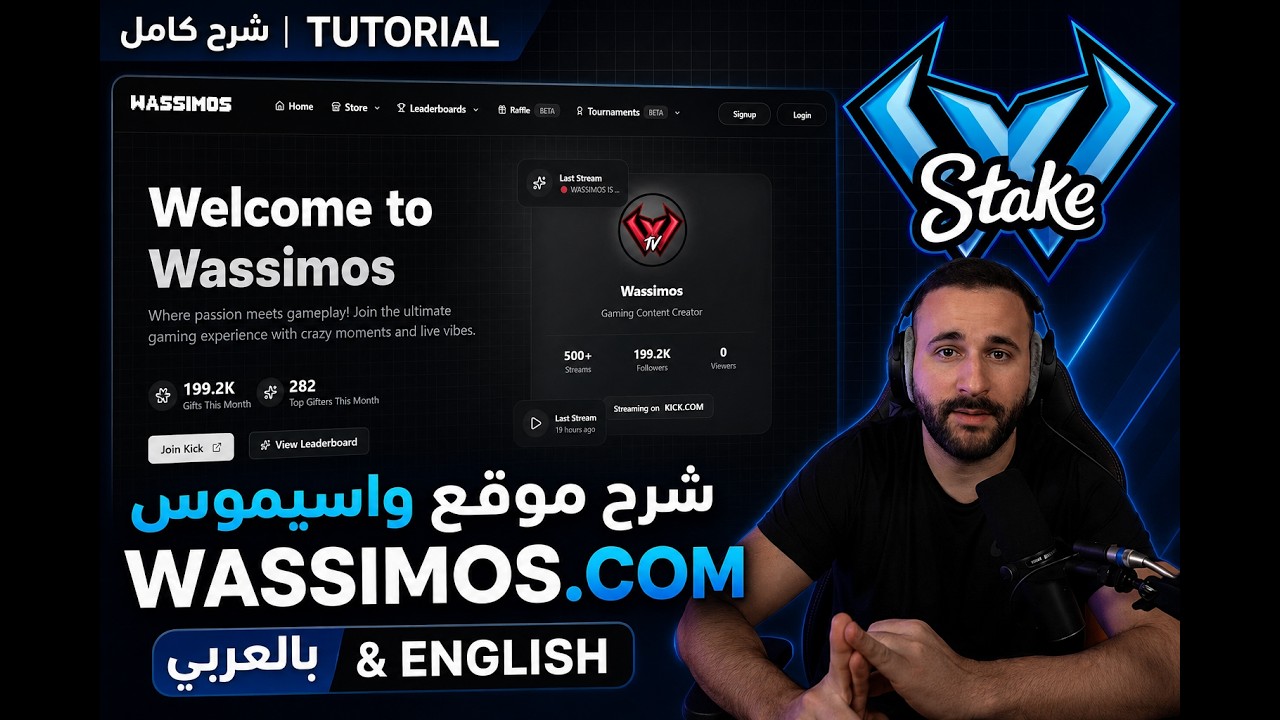
Watch on YouTube
WSM
How to set up your account
Follow these steps to create your Wassimos account, link your platforms, shop on the Kick Store, and join Slots Tournaments.
Create your account
Register with email and verify your address to activate your Wassimos account.
- Open the signup page and enter your username, email, and password (8+ characters).
- Complete the CAPTCHA, then submit the form.
- Check your inbox and click the verification link within 15 minutes.
- After verifying, sign in from the login page.
Open Connected Accounts
All platform links are managed from your profile.
- Log in to your account.
- Go to Profile → General.
- Scroll to the Connected Accounts section — this is where you link Kick, Discord, Stake, and Free Fire.
Link Kick
Connect your Kick account to sync points and watchtime.
- In Connected Accounts, click Connect next to Kick.
- A new tab opens — log in to Kick and authorize WassimosAuth.
- Return to your profile; Kick should show as connected with your username.
Link Discord
Connect Discord to unlock community features and further account linking.
- Click Connect next to Discord in Connected Accounts.
- Authorize WassimosAuth on Discord — you will be redirected back automatically.
- Your Discord username and email will appear once linked.
Link Stake
Kick + Discord required
Submit verification to connect your Stake affiliate account.
- Create a Stake account with promo code WSM if you do not have one yet.
- After Kick and Discord are linked, click Connect next to Stake.
- Enter your Stake username and upload the required screenshots (profile, promo code; USDT/POL wallet is optional).
- Submit the form — our team reviews requests (usually within 24 hours).
Shop on Kick Store
Kick + Discord + Stake required
Spend your Kick points on rewards once your accounts are fully linked.
- After Kick, Discord, and Stake are linked, open the Kick Store from the Store menu.
- Browse available items and check the points cost for each reward.
- Select an item and complete checkout — points are deducted from your linked Kick account.
Join Slots Tournaments
Kick + Discord + Stake required
Compete in slot tournaments and win prizes with your linked account.
- Go to Slots Tournaments from the main navigation.
- View active and upcoming tournaments, prizes, and entry requirements.
- Join a tournament slot when registration is open and follow the bracket as matches progress.
Link Free Fire
OptionalKick + Discord required
Optionally connect your Free Fire player ID.
- Click Connect next to Free Fire in Connected Accounts.
- Enter your Free Fire ID and click Check Free Fire ID to verify your player name.
- Confirm and link — your in-game name will appear on your profile.
Need help?
If linking fails, make sure you are logged in and using the same accounts you want connected. Stake and Free Fire unlock after Kick and Discord are linked. The Kick Store and Slots Tournaments are available once Kick, Discord, and Stake are all connected.
Already have an account? Sign in